One fewer nest. One last egg.
Musical Nests joins EggVerse with solo bots and 2–8 player rooms. Keep circling, freeze for the Chef, and race for a nest when the music stops.
Ways to play Musical Nests
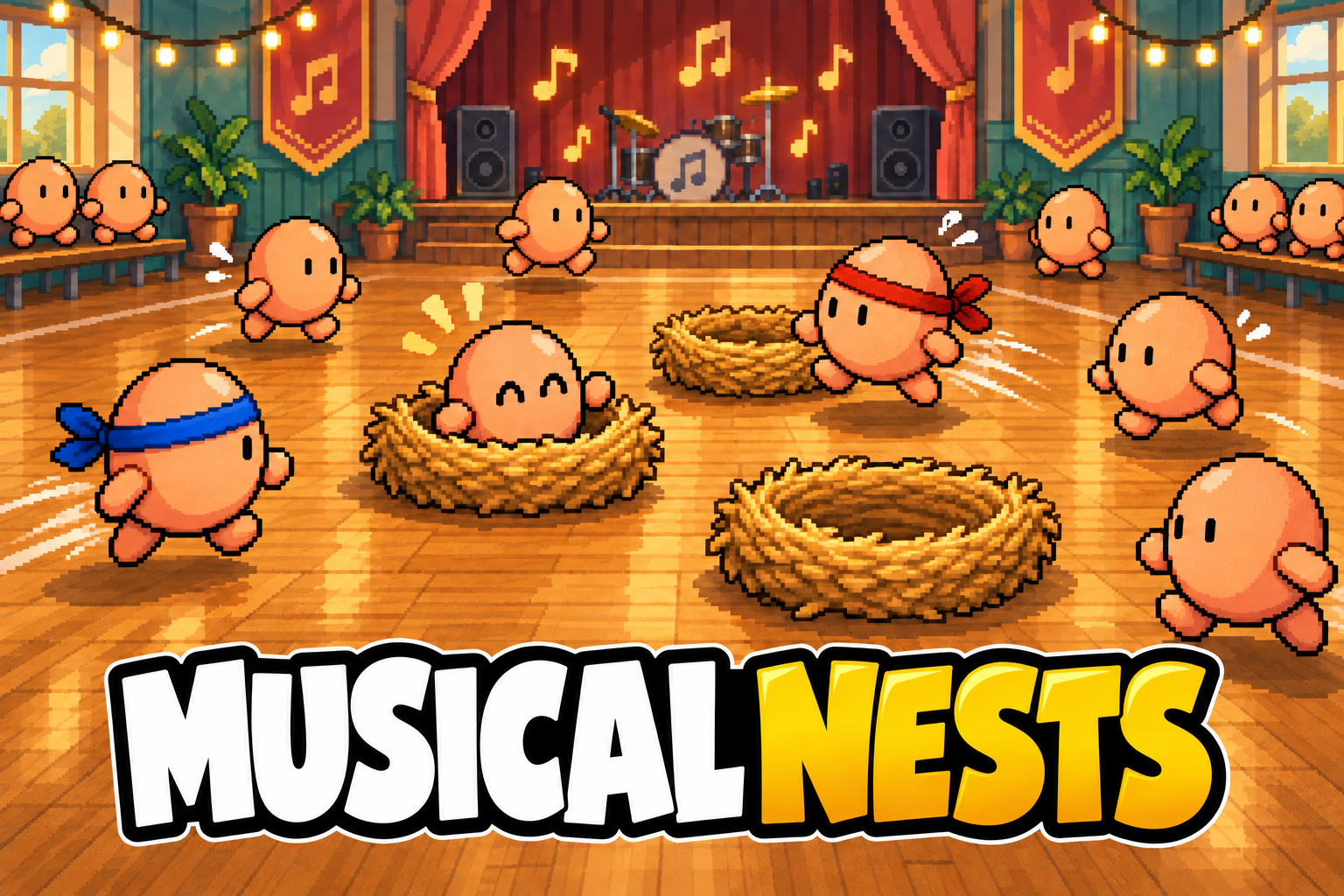
Musical Nests is a musical-chairs party game. Keep moving while the music plays, freeze for the Chef, and grab a nest when the music stops. Play solo against seven bots or with 2–8 friends in one shared ballroom.
Bring your egg crew
Create a room, share the invite and ready up with 2–8 players. Everyone shares the same music, Chef and nests. Eliminated eggs watch the remaining players finish.
Play with friendsPractice your waddle
One player against seven bots. Outlast them through successive rounds until your egg wins the last nest.
Play soloOn a keyboard
Move with WASD or the arrow keys. Press Space to dash and bump. Press P to pause solo play.
On your phone
Drag the thumb stick to move. Tap Dash to bump a rival. Walk into a free nest after the music stops to sit automatically.
One fewer nest. One last egg.
Stay outside the nests while the music plays. When the Chef turns, freeze. When the music stops, race for a nest: there is one fewer nest than remaining eggs, so someone is eliminated each round. The last egg in the last nest wins.
What happens if you camp or get caught?
- Keep moving
- Camping in one spot while music plays warns you after one second. After two seconds you are stunned and sent to the edge. Required freezes do not count as camping.
- Freeze
- Moving while the Chef watches gives the same stun and relocation penalty.
- Bump
- Dash into a rival to knock it out of a nest, then walk in to claim it.
All players compete in the same ballroom. Manual movement, timing and nest claims decide each round.
- New: The last nest wins. Walk around the ballroom while the music plays. Camping or moving during the Chef’s freeze gets you stunned and sent to the edge. When the music stops, grab a nest and dash to bump rivals out.
- Updated: Quick instructions, familiar controls. Game introductions pair title artwork with short visual lessons, keyboard keys or mobile gesture guides, and a Start game button.