
Royal Shells: play chess online with friends
By the EggVerse team · · Updated · 3 min read
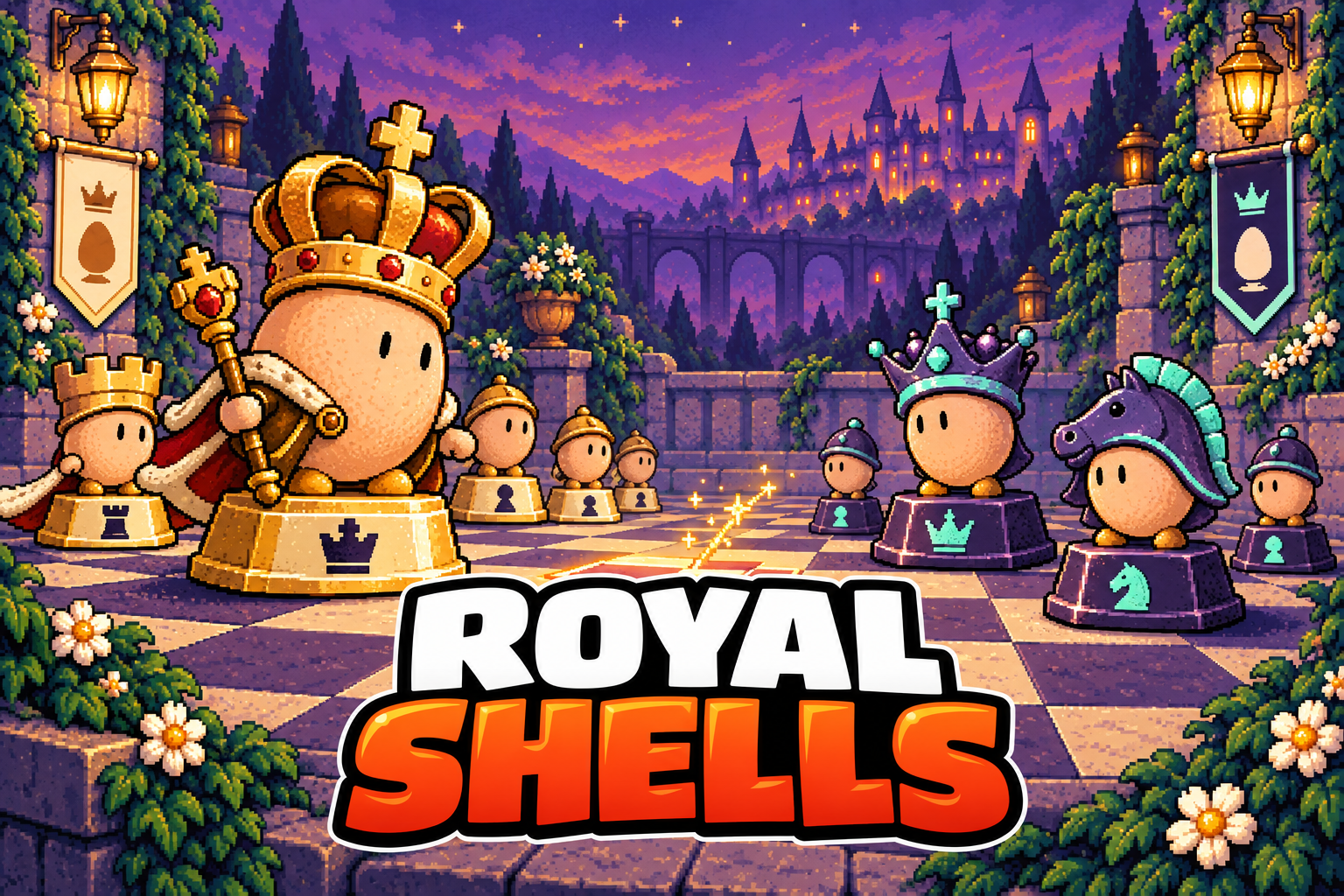
Royal Shells is a free browser chess game in EggVerse. Play a two player match with a friend online, practise against the computer, or pass one device between two people. It uses classic chess rules, with egg shaped pieces and no chess clock. Open the game in your browser; there is no game download to install.
Three ways to take the throne
- Online with a friend: two players on separate devices, sharing one private room.
- Against the computer: a solo match with three difficulty settings and a take back option.
- On the same device: two people alternate turns on one board. Flip the view when you pass it over.
How to play chess with a friend online
Open Royal Shells and choose the friends option to create a two seat room. Share its invitation with your opponent, wait for both players to be ready, and start the match. A room code also lets a friend join your table. This is a match for two people; the larger party sizes in other EggVerse games do not apply to chess.
You take turns on the same board from your own devices. The game checks whose turn it is and which moves are legal. When a match finishes, both players can agree to a rematch; the sides then swap. If you want to talk while playing, arrange your own call alongside the game.
Chess against the computer, at your own pace
Choose solo play when a friend is not available. Royal Shells offers three computer strengths, and Take back a turn lets you reconsider a move. Use the move history to look back through the game. The computer is an opponent to practise against; the game does not provide a chess lesson or an explanation of why every move is good or bad.
Two player chess on one screen
Sitting together? Choose the local, pass and play mode and use the same device. Each person moves their own pieces when it is their turn. Flip the board to change the view. This is a useful choice for a quiet game together without setting up an online room or finding a second screen.
How the egg pieces move
Tap or click a piece, then choose one of its highlighted legal squares. The costumes change the look of the board, not the movement rules: bishops move diagonally, rooks along ranks and files, and knights in an L shape. Protect your king and aim for checkmate: the opposing king is in check and has no legal way to escape. Kings are never captured.
Castling and en passant follow standard chess conditions. When a pawn reaches the far end, choose a queen, rook, bishop or knight. The game also recognises draws including stalemate, threefold repetition, insufficient material and the fifty move rule. Online opponents can offer and accept a draw.
A small courtyard, a proper chess match
Royal Shells joined EggVerse on September 13, 2026. Its egg royalty, castle courtyard and cracked shell captures bring the arcade’s personality to a familiar board game. The matches are untimed, so your group can make chess the slower part of a game night. Portrait and landscape views, touch or mouse controls, and a board flip option help you arrange the board around the way you are playing.
Is Royal Shells free to play?
Yes. Royal Shells is free browser chess in EggVerse, with online friend matches, computer play and same device two player play.
Can I play chess with a friend without downloading an app?
Yes. Open Royal Shells in your browser, create a friends room and share its invitation. Online chess has exactly two seats.
Can two people play chess on the same phone or computer?
Yes. Choose local pass and play, take turns on the same device and flip the board when needed.
Does Royal Shells have a chess timer?
No. Matches are untimed. There are no blitz or bullet time controls to select.
Can I undo a move against the computer?
Yes. Solo play includes Take back a turn. Online matches do not offer that same take back control.